Parent Channels
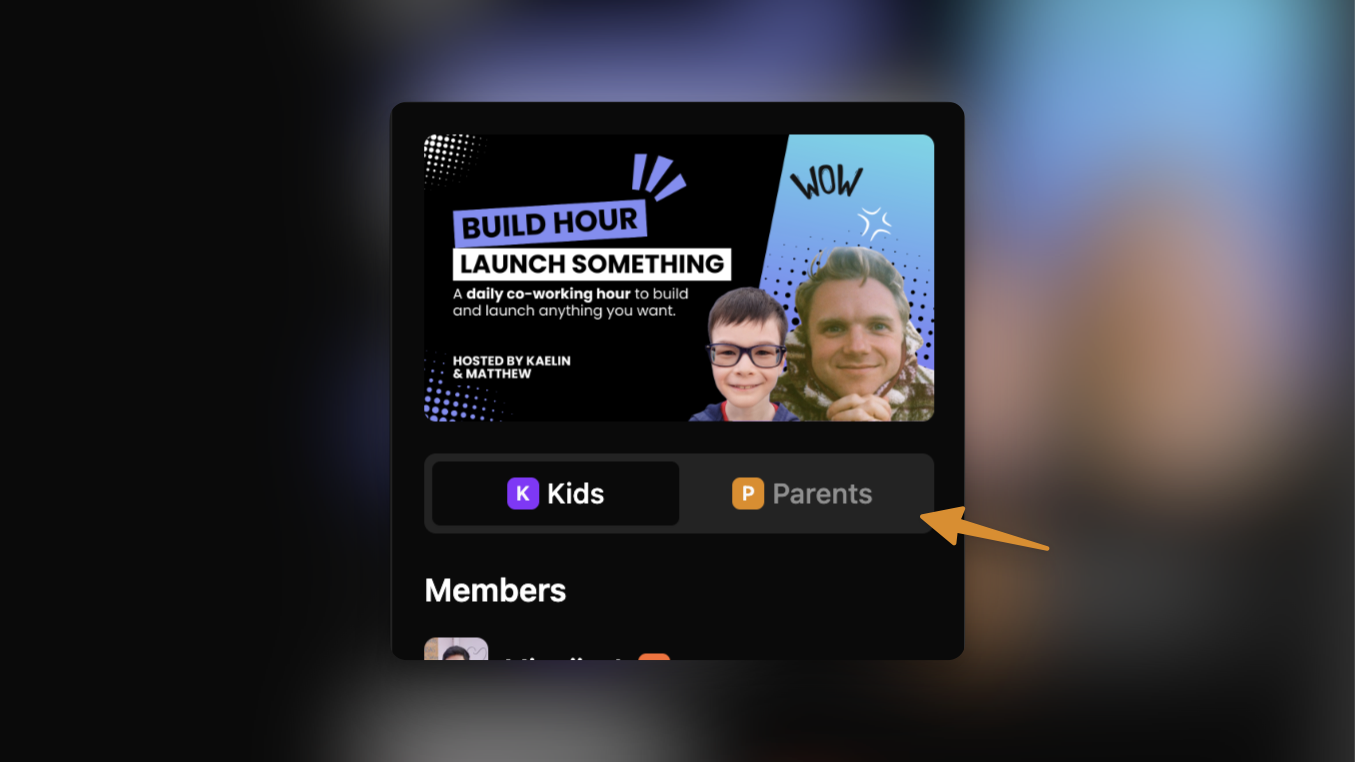
You can now chat with all parents in each of your cohorts!
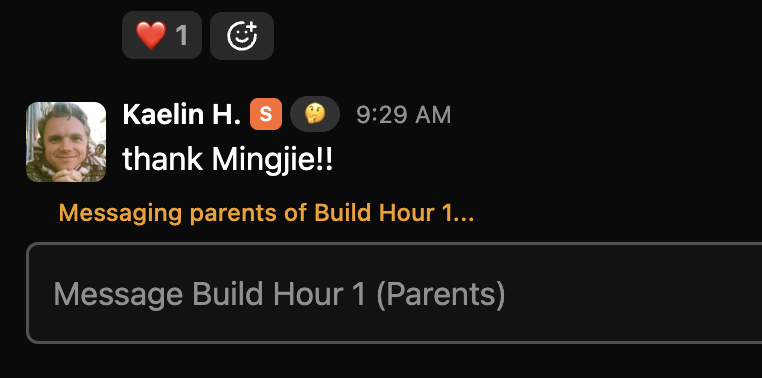
There’s now a new toggle on the right sidebar of your cohort channels, where you can switch from chatting with kids to chatting with parents. All parents of a registered kid will automatically be added to the parent channels on registration.
When messaging parents, you’ll see this hint that confirms that you are sending this to all parents.
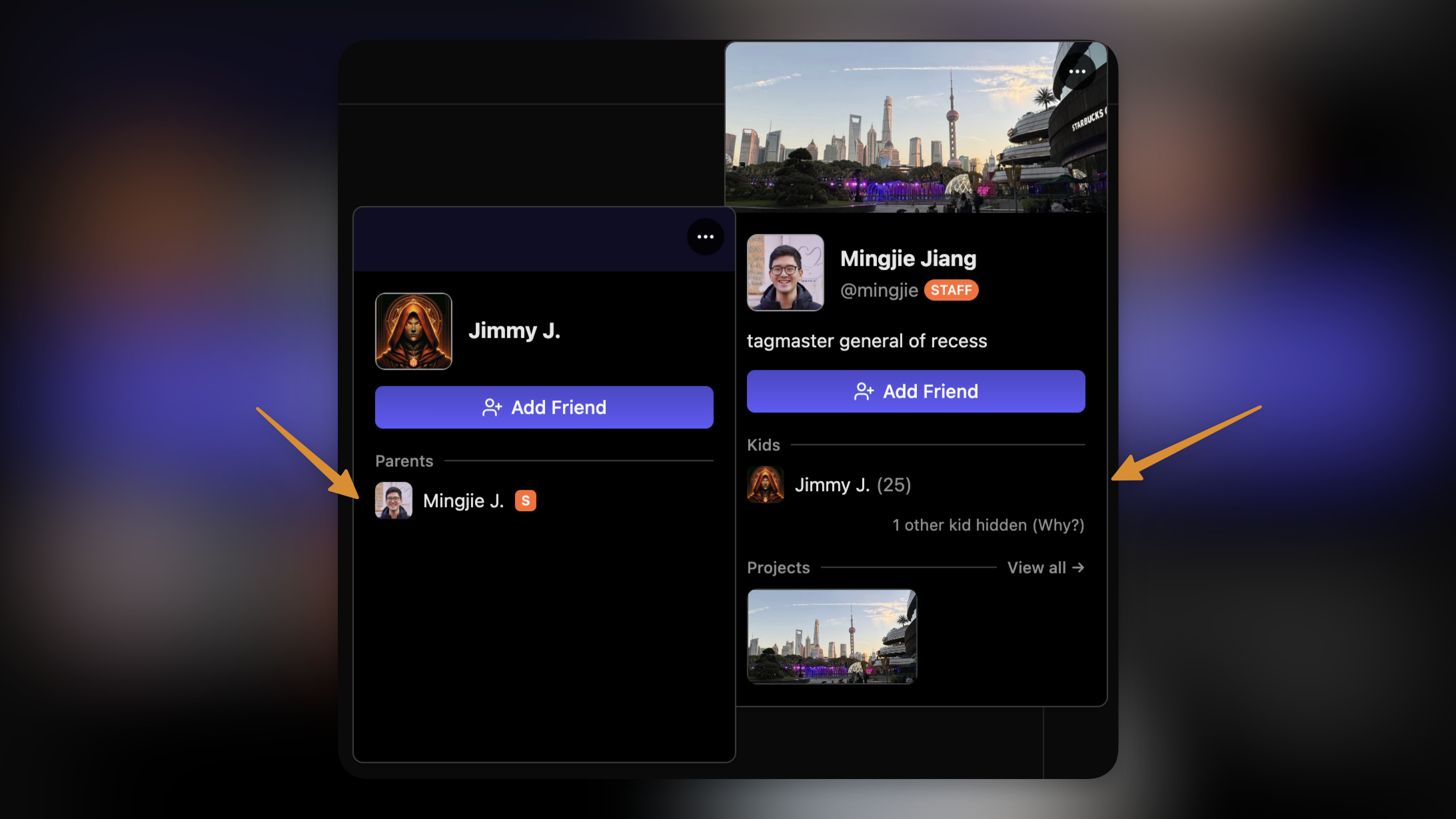
We’ve also improved the profile popover experience. For users you already have relationships with, you can now see the user’s family members directly from a user’s profile popover.
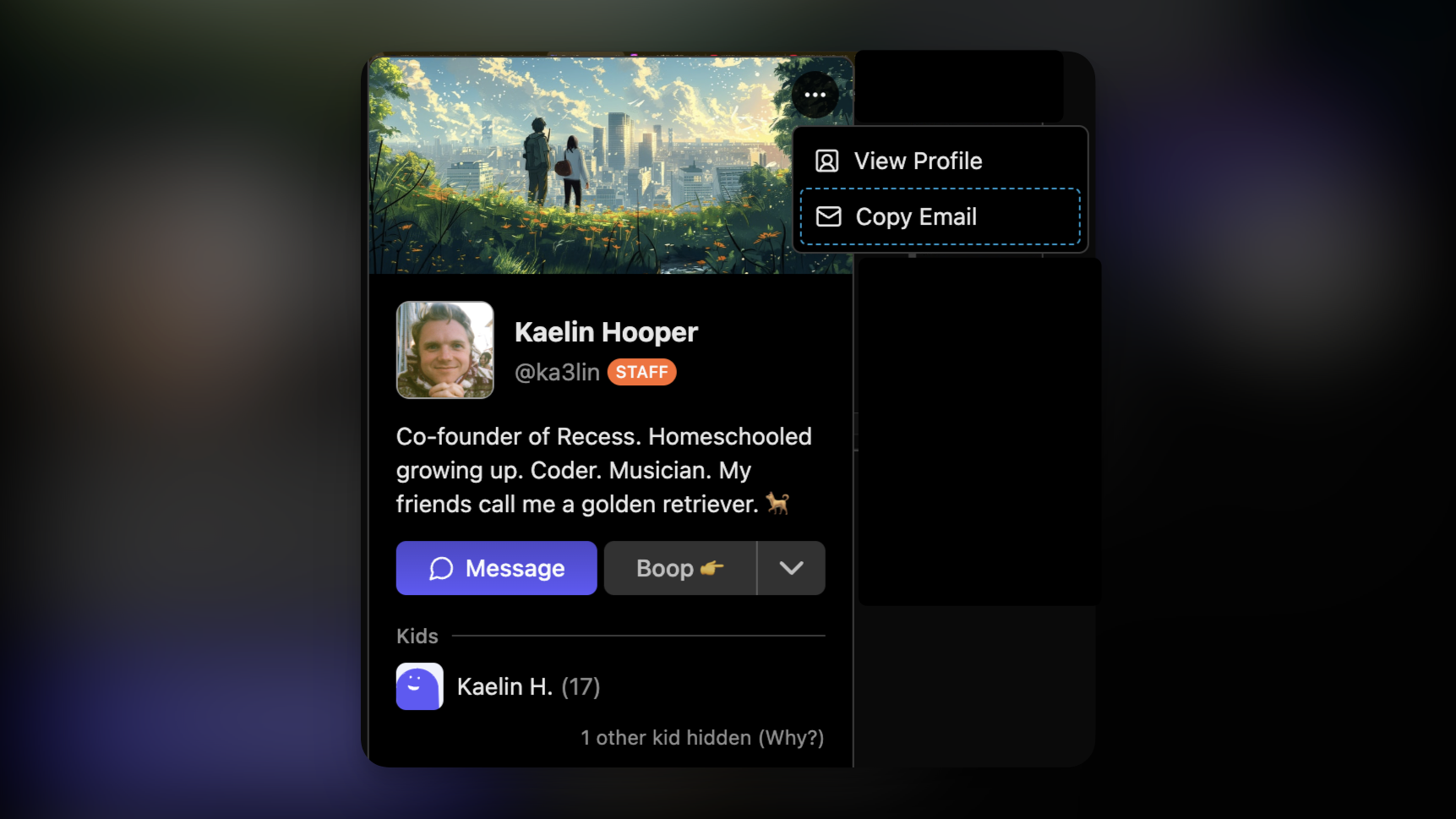
Additionally, you can now copy parents’ email addresses directly from the profile popover as well — as long as one of their kids is/was registered in your class.
Rooms in Cohort Channels
For courses hosted on Recess Rooms, you can now join the course room directly from the chat channel page!

Note that because course rooms do not require parent consent to join, these rooms will not start unless a guide is present in the room. Kids with consent to start rooms will see a message like this while you’re away.

Chat Improvements
We also improved lot of interfaces around chat this week, including typing indicators, a sleeker-looking input bar, and better member list sorting.

We’ll see you in chat!