November 26th, 2024
New
For Teachers
Organize your offerings with Program Pages
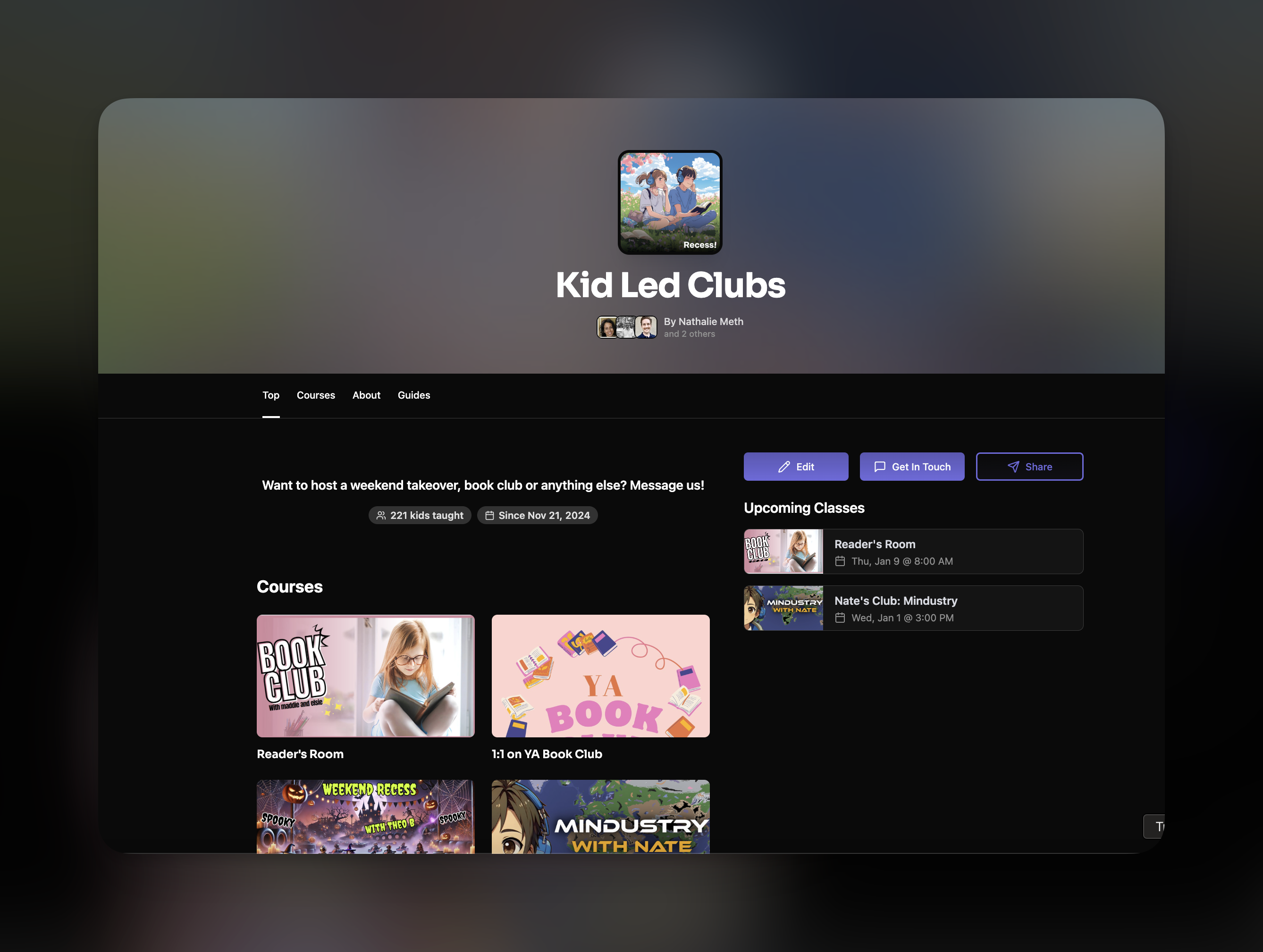
Introducing program pages - a new landing page for program founders to list all of their offerings in one place!
Features
Receive messages from prospective customers
Centralize your class listings
Easily shareable
Include a welcome video
How to Start
GUIDE users can create a program from the profile switcher:
You'll be prompted to enter basic info before being redirected to complete the program profile page (note - you can't change the program name after creation yourself - contact [email protected] for help):
You should add a profile picture, video (optional) and longer form "About" section for your program:
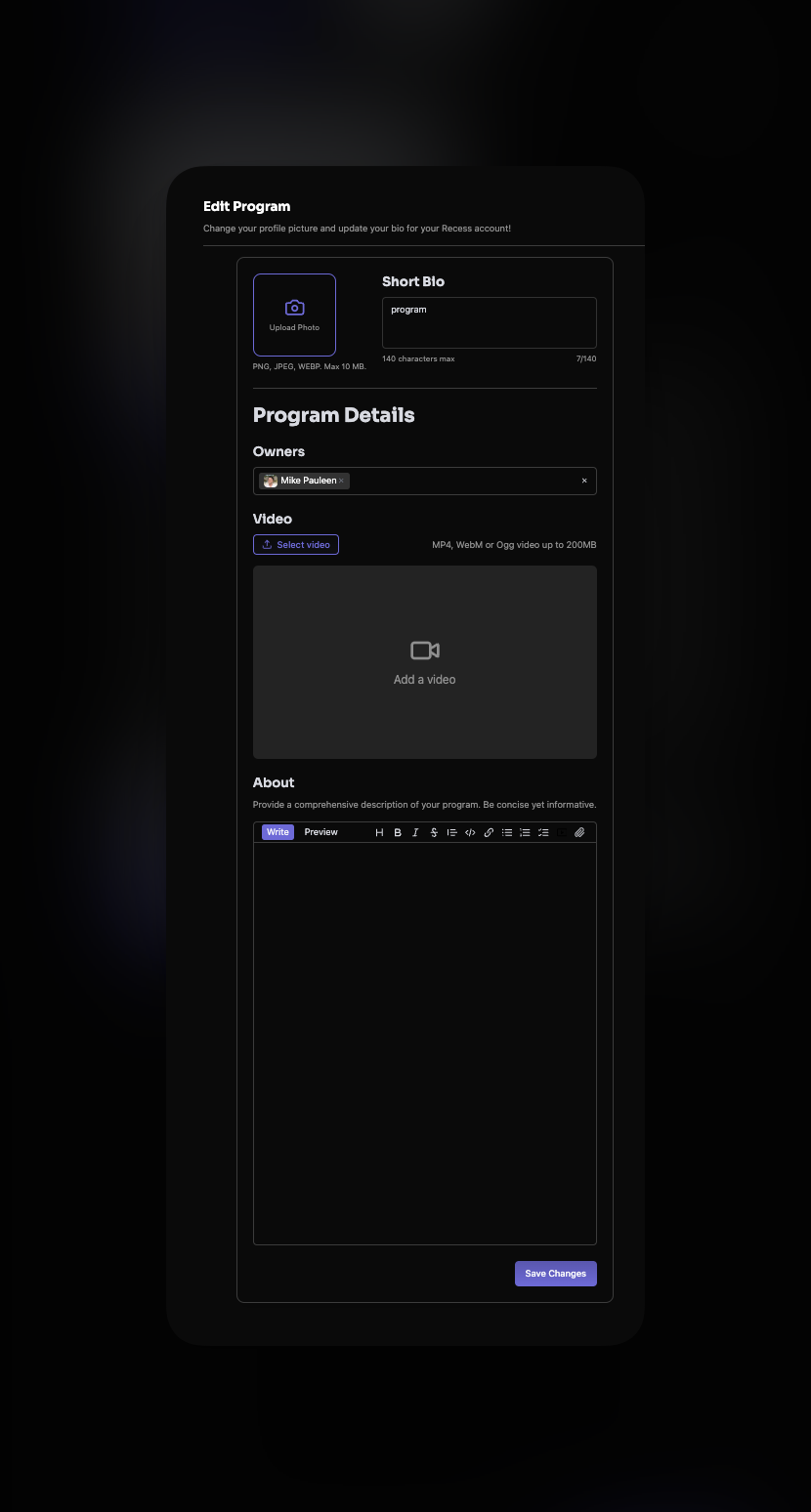
Note: Adding Owners You can add additional owners to the program page. Owners are able to log into the program, edit its profile, and access all messages sent to the program. Program owners can access and edit all courses under the program profile.
Add Courses
Existing Courses If you already created courses under your guide account, you can now transfer them to your Program from the course editor by changing the Owner field to the Program.
New Courses Programs can create courses from the left side nav bar under the Manage Drop Down