Image Upload in Chat
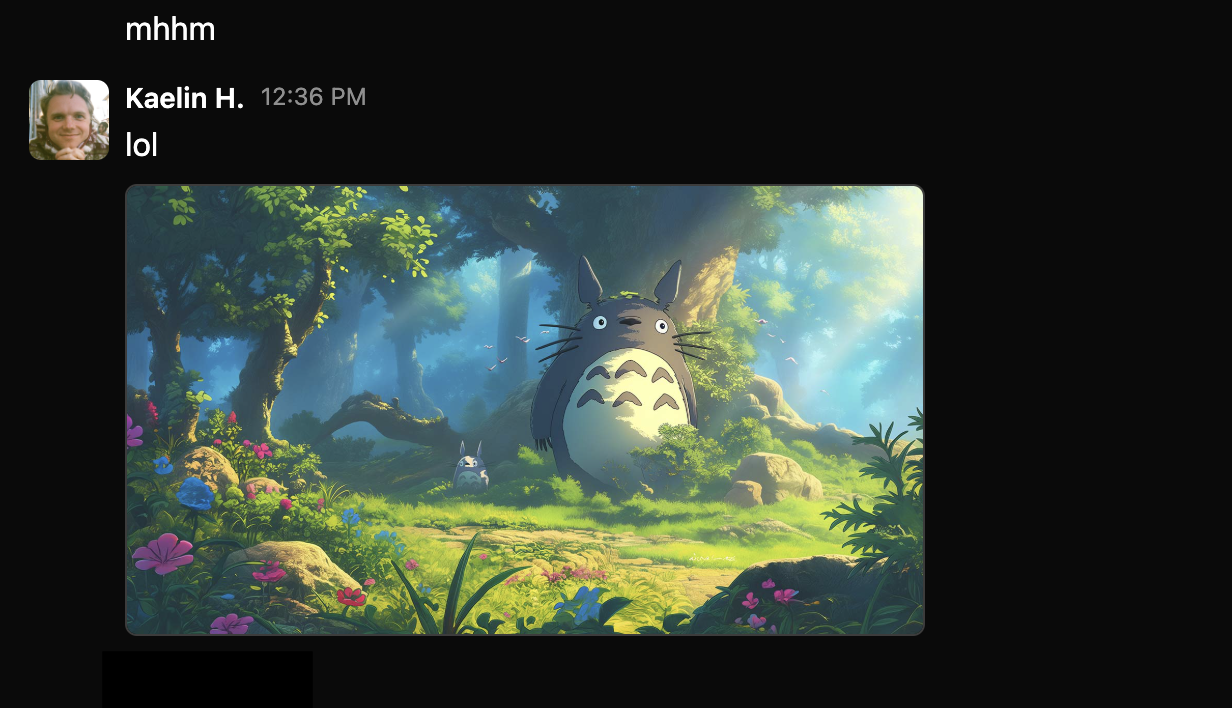

Finally, one of our most requested features—you can now upload images directly in chat.
There are three ways to upload:
Click to new upload button in the chat bar.
Copy an image and past it into the chat input.
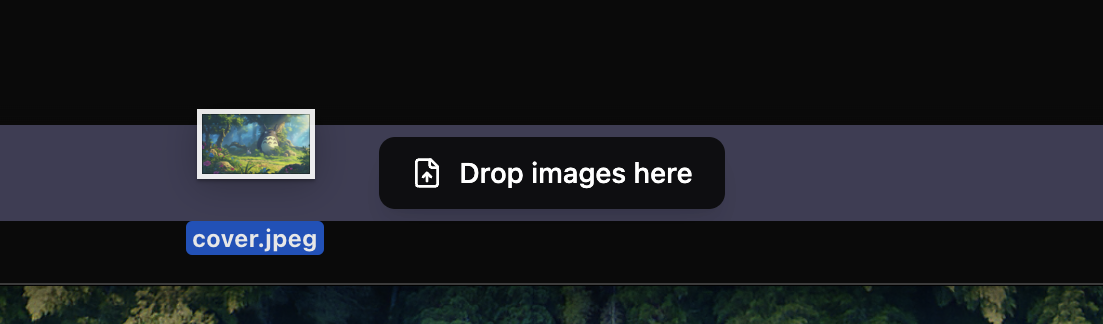
Drag-and-drop over the text input.
As a bonus, we also added drag-and-drop for image upload to both Chat and the Activity Feed (for guides).
Happy uploading. :)